Online SDF and MOL file viewer
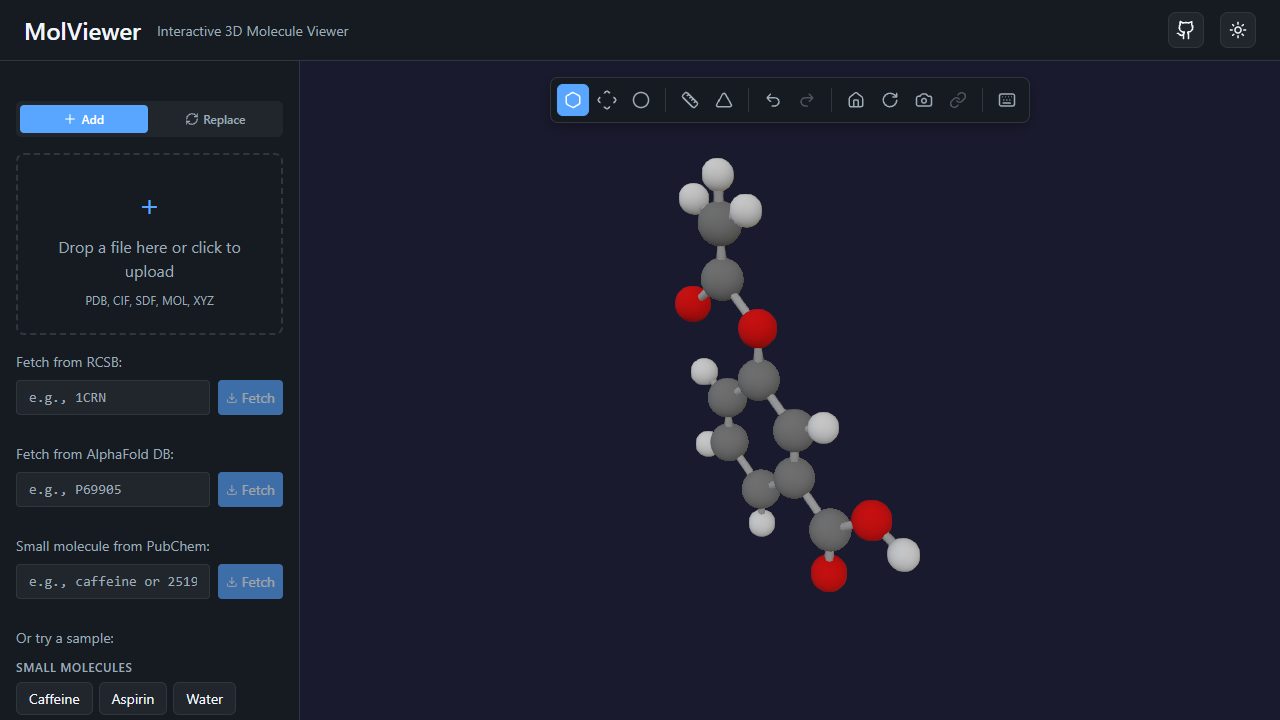
MolViewer turns SDF and MOL files into interactive 3D models. Drag a file onto the viewer and rotate, zoom and measure the molecule in seconds. It is free, needs no install and keeps your files on your own device. You can also look up small molecules by name, for example caffeine or aspirin.
About SDF and MOL files
A MOL file (MDL molfile) describes one molecule: a header, a counts line, an atom block with x, y and z coordinates and element symbols, and a bond block listing which atoms are connected and by what bond order. An SDF (structure-data file) wraps one or more molfiles, each followed by optional data fields and a $$$$ separator. PubChem, ChEMBL, ZINC and most cheminformatics tools export these formats.
MolViewer reads the V2000 molfile layout, which is by far the most common. For an SDF with several records it shows the first molecule. The newer V3000 layout is not supported yet.
What you can do with a small molecule
- Switch styles between ball-and-stick, stick and spacefill, or wrap the molecule in a van der Waals or solvent-accessible surface.
- Measure geometry: click atoms to get bond lengths in ångströms, bond angles and torsion (dihedral) angles.
- Read the chemistry: the metadata panel counts atoms by element and bonds by order, and aromatic rings are detected and drawn.
- Label and share: add 3D labels, export a PNG at up to 4x resolution with a transparent background, or create a short share link.
Small molecules look best in CPK (element) colors: carbon grey, oxygen red, nitrogen blue. Try aspirin and measure the angle at the ester oxygen, or browse the compound index for more examples.
Ligands in context
Many ligands are easier to understand next to their protein. MolViewer can hold up to 10 structures at once, so you can open a ligand SDF alongside a protein entry such as hemoglobin 4HHB, whose heme groups are stored as HETATM records. Docked poses that share the protein coordinate frame line up in overlay mode, because each file keeps its original coordinates. MolViewer displays poses; it does not perform docking.
Frequently asked questions
- What is the difference between SDF and MOL?
- A MOL file holds a single molecule. An SDF file can hold many molecules, each a MOL block followed by optional data fields and a line containing four dollar signs. MolViewer opens both and shows the first molecule in an SDF.
- My SDF only has 2D coordinates. Will it work?
- It will open, but a 2D file has all z coordinates set to zero, so the molecule appears flat. Generate 3D coordinates first, or look the compound up by name, which loads a 3D structure from PubChem.
- Are hydrogens shown?
- Yes, if they are in the file. MolViewer draws the atoms the file contains and does not add or remove hydrogens.
- Can I edit or draw a molecule?
- No. MolViewer is a viewer. To sketch a structure from scratch, use a drawing tool such as MolView or a desktop editor, save it as MOL or SDF, then open it here.